
CONFERENCE
Capture your audience
With Conference mode, organize your keynotes,
general assemblies and training sessions in a sovereign and controlled environment.
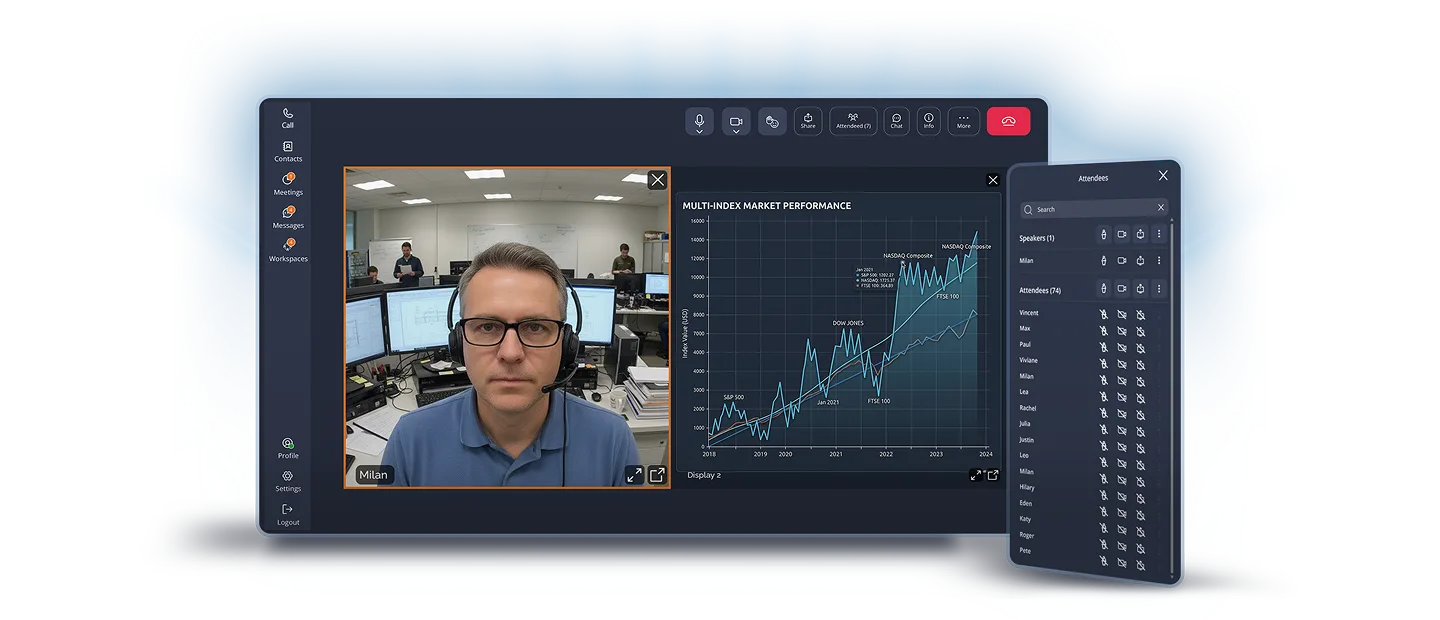
Effective and secure presentations
-
End-to-end encryption
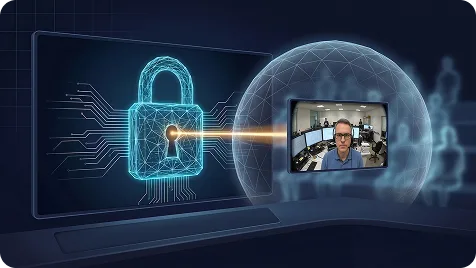
Whether you're 10 or more, Tixeo's multipoint end-to-end encryption protects all your streams (audio, video and data) throughout your conference.
Your strategic announcements and internal information remain strictly confidential.
-
Mastered interactivity
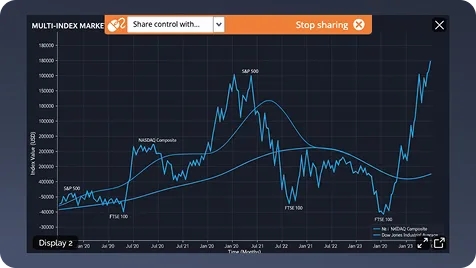
Encourage your audience to participate through instant messaging. Participants can ask questions or request to speak.
The speaker keeps full control of the conference.
-
High-performance screen sharing
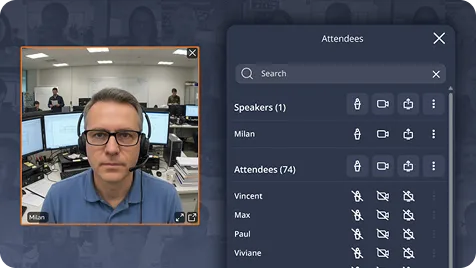
Broadcast your presentations, videos or technical demos with optimal smoothness.
Conference mode offers high-definition image quality while guaranteeing total security of your sharing stream.


CSPN Certified by ANSSI since 2017
Since 2017, Tixeo has been awarded the CSPN certification three times by the French National Cybersecurity Agency (ANSSI), demonstrating its reliability and ongoing commitment. Its expertise in cybersecurity is recognized and valued across numerous French and European associations.
4 steps to organize a Tixeo conference
-
1
Pick your attendees, keep intruders out
Schedule your meeting and invite participants by email. To eliminate any zoombombing risk, only designated people can join the meeting: their entry must be validated by the organizer.
Anti-zoombombing -
2
Adjust security in one click
Choose a security profile predefined by your administrator. The organizer applies the right level of protection with no technical configuration.
Tailored security
Maximum protection, zero complexity. -
3
Assign roles in advance
Assign each participant a precise role: speaker or attendee. You keep full control over speaking turns and the flow of your conference, with no unwanted interruptions.
Total control -
4
Your guests get everything they need
Each participant receives an email invitation with all the details to join the meeting on the scheduled date, with no unnecessary steps.
Simplified access
Keep total control over your audience
Before the conference, control your participants with enhanced access management to eliminate any zoombombing risk.
During the conference, benefit from strict privilege management: by default, participants have neither microphone nor camera enabled. The organizer or moderator grants speaking rights on request, to avoid any disruption.
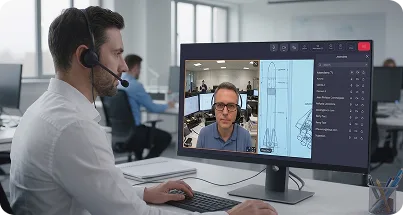
Take collaboration further
-
Recording your conferences
Record your conferences to share them with absentees or archive them as reference material. A visual indicator informs the audience when recording is active.
-
Meeting summary
and translation of discussionsOnce your conference is recorded, Tixeo AI generates a summary and a translation of the contributions. A written deliverable ready to distribute, without compromising confidentiality.
-
Switch between modes
Your presentation sparks questions? Switch instantly to Meeting mode to open the discussion to all participants, without leaving the current session.


Everything about Tixeo Conference mode
-
What is the maximum participant capacity in Conference mode?
Conference mode is designed for large audiences. The capacity depends on your subscription (TixeoCloud or PrivateCloud).
-
Can a secure Q&A session be organized?
Yes. Participants can virtually "raise their hand". The moderator can then temporarily open their microphone and camera. Instant messaging also lets participants submit questions in writing: all data exchanged is deleted at the end of the conference to ensure the confidentiality of discussions.
-
Is browser access as secure as the application for participants?
Yes. Tixeo's interoperability lets users join the conference via HTTPS with a high level of security. It's the ideal option for events open to external partners or clients who cannot install software on their workstation.
-
Can the interface be customized for a corporate conference?
With the TixeoPrivateCloud offer, you can customize the interface in your company's colors. This enhances the professional image of your events. For your employees, it also reinforces the sense of belonging to the company.
20 years
of expertise in
secure collaboration
An independent French company and a leading player in the cybersecurity sector, Tixeo ensures the performance of your online communications and the security of your data.
Its R&D teams develop innovative video conferencing technology, built on criteria of accessibility and technical excellence, to meet the most demanding requirements.