


security profiles
Your security policy applies to every meeting
Set the rules once for each type of meeting: who gets in, which features are available, which servers the streams go through. The organiser chooses the profile that matches their meeting, and your rules apply.
Contact an expertNo gaps from one meeting to the next
How secure a meeting is does not depend on who organises it.

No more configuration errors
No technical options to tick when creating a meeting. Just one security profile to pick from a drop-down list.

What leaves the meeting stays under control
The selected profile determines what can be shared, recorded or transferred.

External guests, on your terms
You decide how an external contributor joins the meeting, and which rights to enable.

Streams go through the servers you designate
Each profile designates the meeting's servers, depending on how sensitive the exchange is and where the participants are.
Three types of meeting, three example profiles
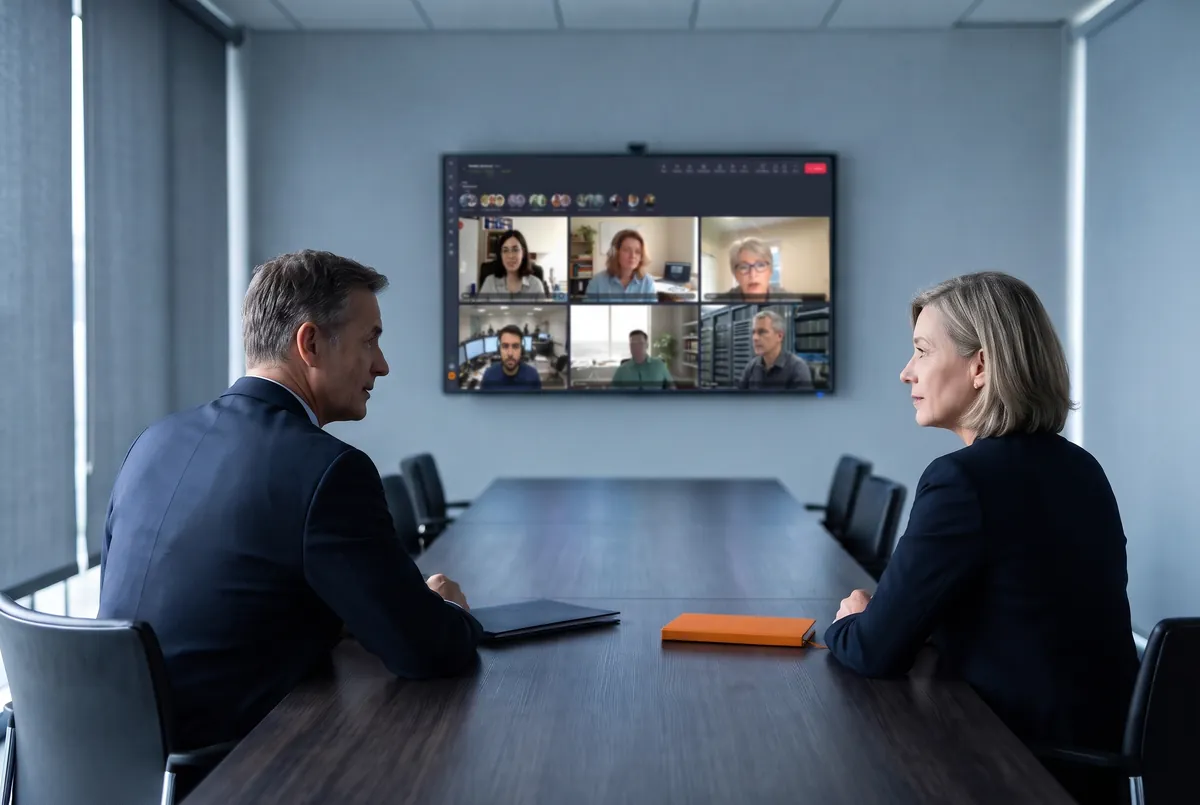
Executive committee and board of directors
Only members authenticated with a Tixeo account can join the meeting. Screen sharing and recording stay off, and streams go through your internal servers.

Subsidiaries and sites abroad
The same authentication requirements apply from one site to another. Streams use international servers, for smoother exchanges and data kept within authorised perimeters.
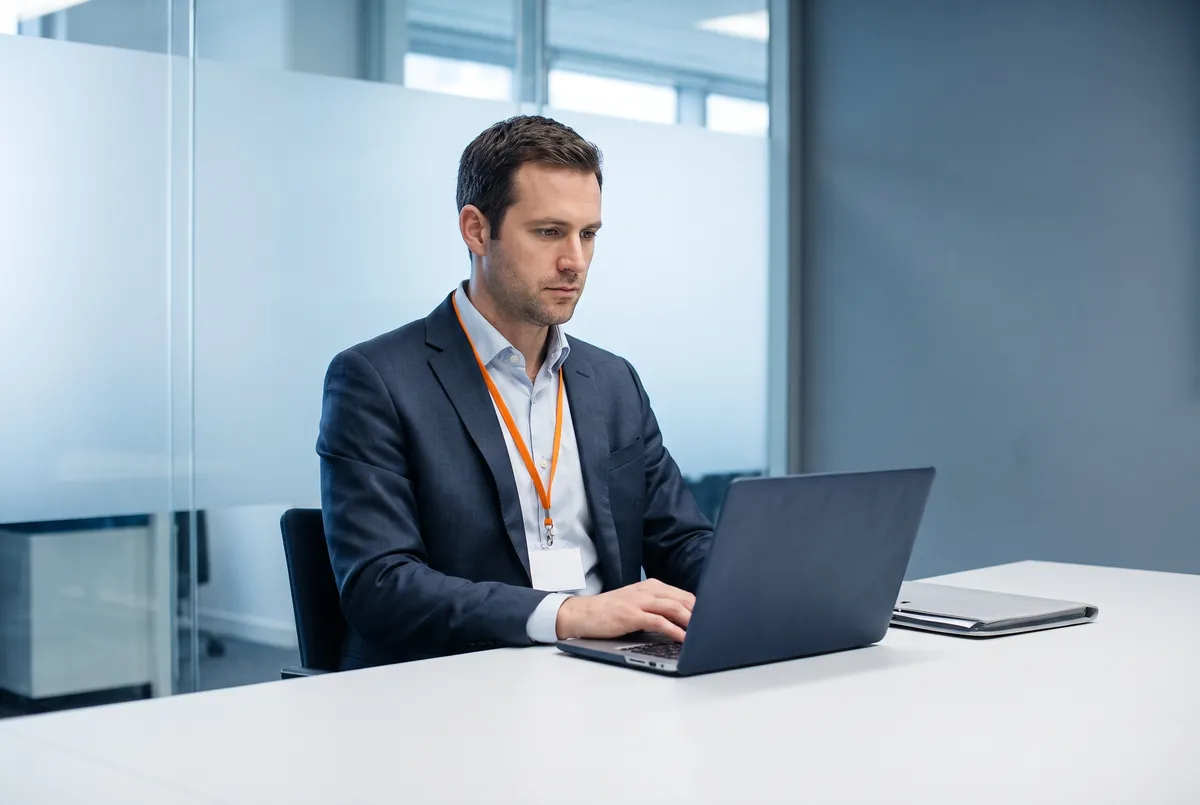
Audit, interview, service provider
The external contributor joins with a PIN code from their browser and waits in the waiting room until the organiser approves them. Screen sharing and recording are opened case by case.


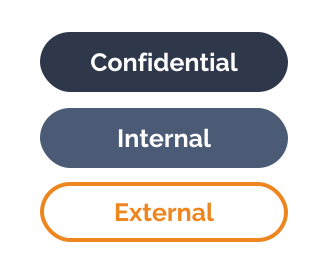
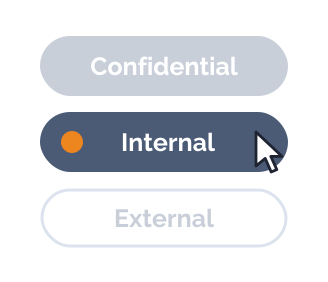
Profile names are yours to choose. Many organisations follow an internal scale (Public, Internal, Confidential). A profile called “Restricted” is still just a name: it does not amount to security accreditation of the information system.
How a security profile applies to a meeting
The profile manager
creates the profiles
They translate the organisation's security policy into profiles and are the only ones who can change them. Profiles are only reviewed if the rules change.
See also
Access management ➜
The organiser
chooses a profile
When creating a meeting, they set the date and the guests, and choose the profile that matches the exchange. Nothing else to configure.

Participants
join the meeting
Each participant joins from the app or the browser, depending on the active profile. The organiser approves requests to join and manages participants' rights during the meeting.
See also
Meeting access ➜Access, features, servers: the settings of a security profile
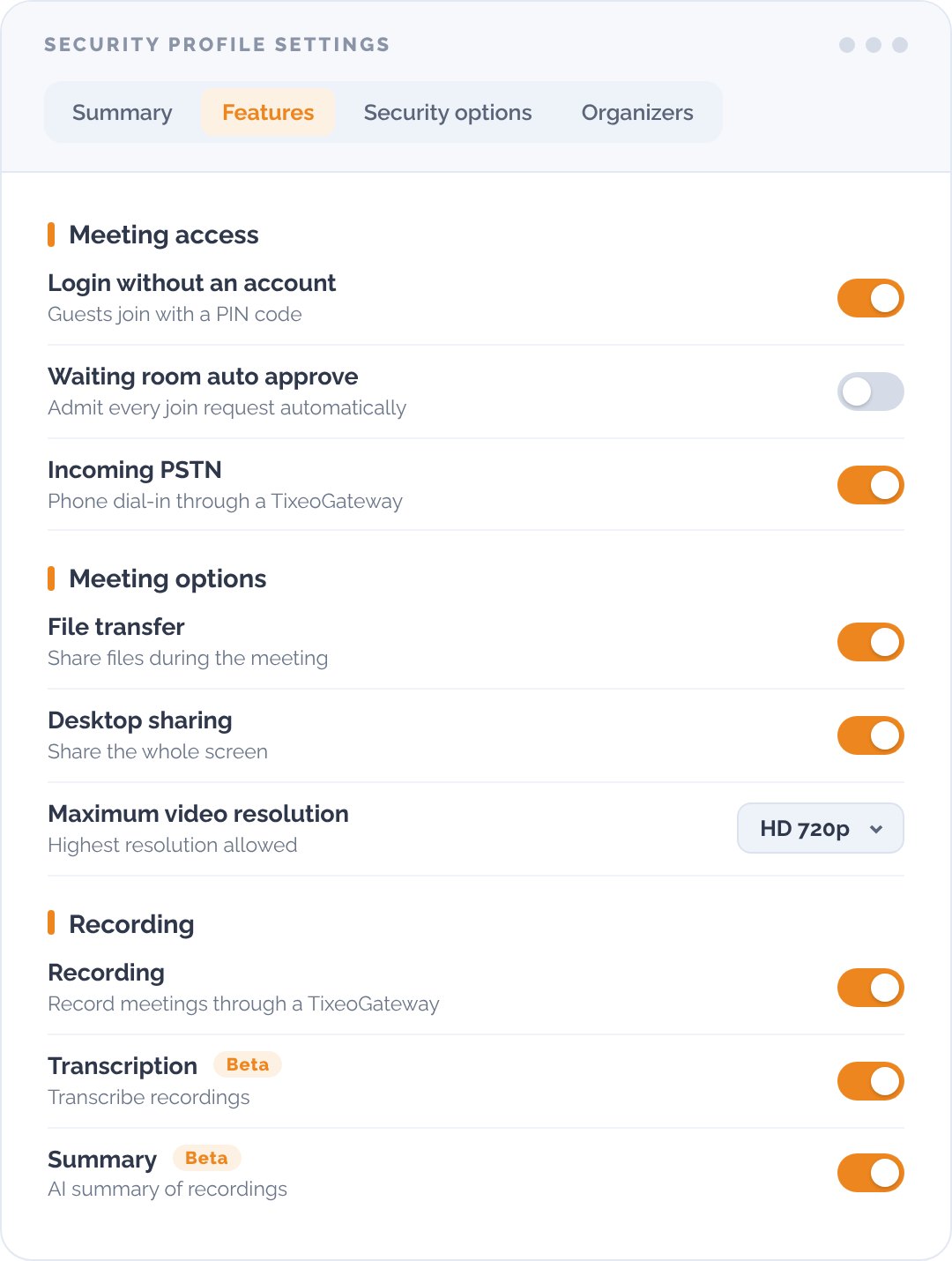
A profile brings together three families of settings, defined once and then applied to every meeting that requires this level of security.

Access conditions
- Participant identification via a Tixeo account
- Browser access, with an email invitation link and a PIN code

Available features
- Screen sharing
- Recording
- AI transcription and meeting minutes
- File transfer
- Telephone access, via a gateway

Servers used
- Your internal servers
- An international server, when participants are far apart
The options available depend on your deployment model.


End-to-end encryption, active whatever the profile
In the app and in the browser alike, end-to-end encryption is active by default on every profile.
Telephone access goes through a gateway, which falls outside this scope: it is allowed or blocked profile by profile.

Tixeo, a European solution, complies with the General Data Protection Regulation (GDPR) and is not subject to any extraterritorial law.
Since 2017, ANSSI (France’s Cybersecurity Agency) has awarded Tixeo the CSPN (First Level Security Certification) four times, proof of reliability and commitment to cybersecurity.
Everything you need to know about security profiles
Do security rules apply the same way across the whole organisation?
Yes. A profile is defined at organisation level and applies to every meeting of the same type, whatever the team or site. If a requirement changes, the profile is changed once.
How can you keep control of a meeting with external contributors?
By choosing a profile that allows entry with a PIN code from a browser. The guest waits in the waiting room, the organiser approves their request, and the features available remain those the profile provides for.
Can recording or screen sharing be turned off for certain meetings?
Yes, feature by feature and profile by profile. A meeting whose profile does not allow them does not offer them to participants.
Can a profile reduce a meeting's encryption?
No. End-to-end encryption applies to every meeting and is not one of the settings. A profile opens or closes access and features.
Who creates the profiles?
The profile manager, appointed by the organisation manager. Neither the organiser nor the participants have access to them.
Can browser access be blocked for certain meetings?
Yes. Browser access is enabled on the server side, then allowed profile by profile.
Is a profile enough for a meeting classified Diffusion Restreinte (the French “restricted” protection level)?
No. The profile configures the tool. The regulatory framework covers the information system that hosts it and its security accreditation.
How many profiles should you create?
Three to five cover most organisations. Beyond that, profiles start to look alike and the organiser has to choose between them for every meeting, when they are there precisely to spare them that choice.